getting started.
point luna works best with claude — you’ll need a paid plan, on claude desktop or web. only eleven quick steps to get started.
open settings
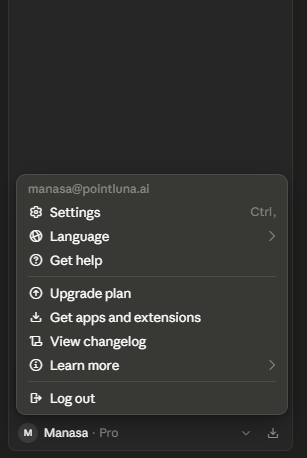
click on your account in the bottom right-hand corner of your claude screen and open settings.
open connectors
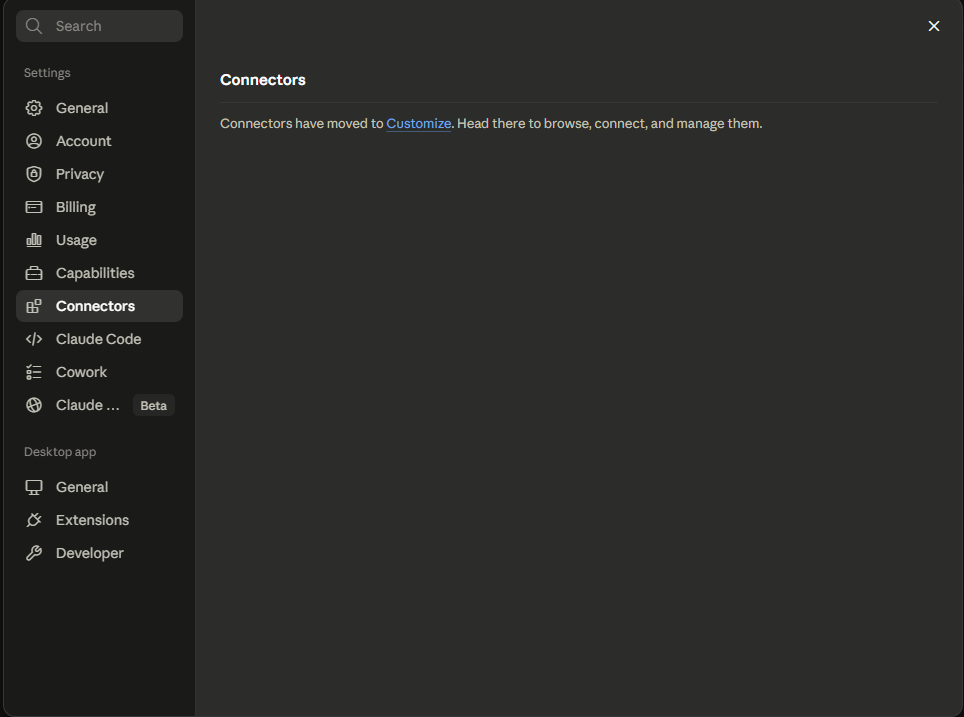
click on connectors, then click customize.
add a custom connector
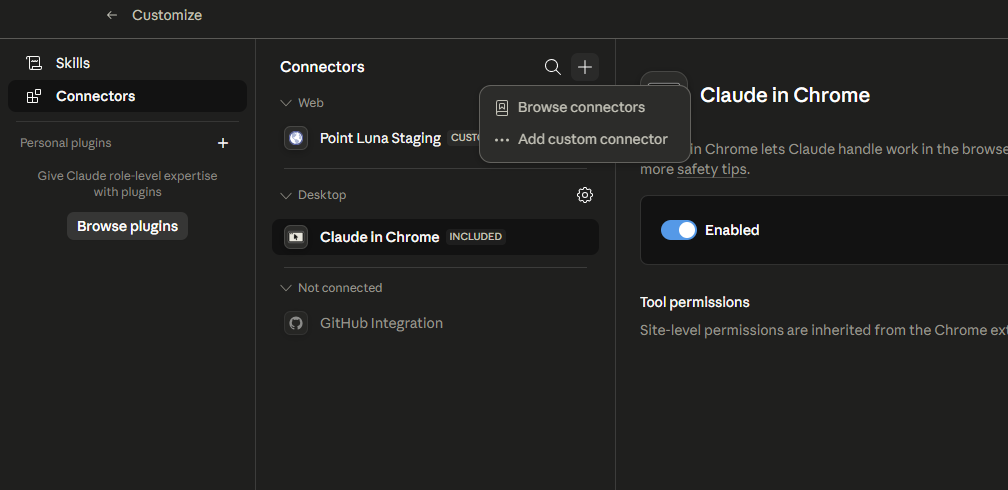
click on the plus sign and choose add custom connector.
enter the server details
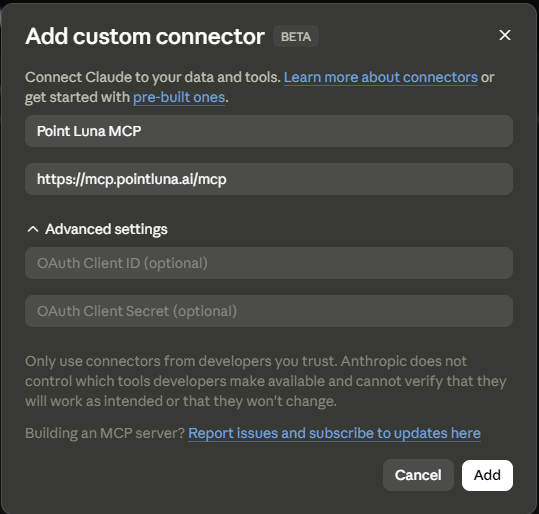
a popup will show. set the name to:
Point Lunaand the remote mcp server url to:
https://mcp.pointluna.ai/mcpthen click add.
connect
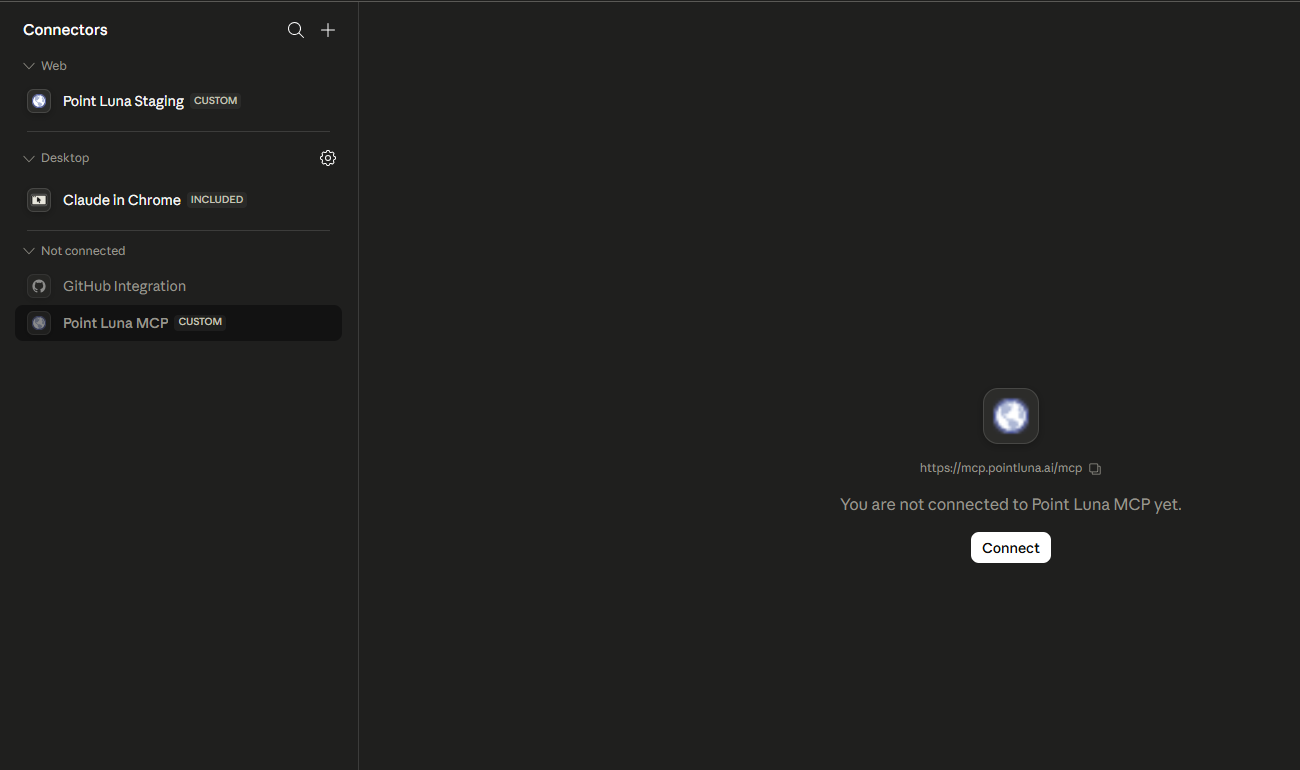
click on the point luna mcp and click connect. this will redirect you to a browser page.
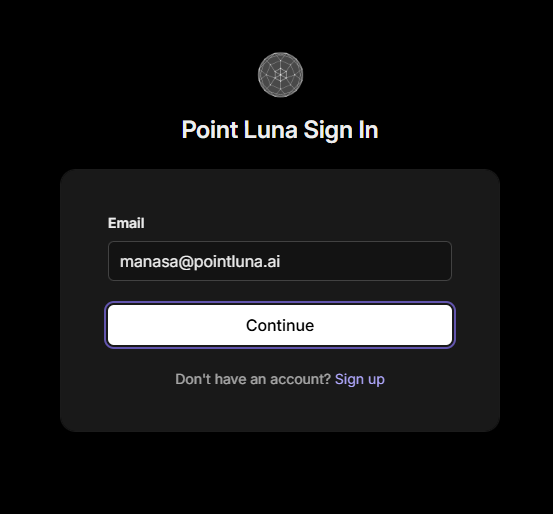
sign in
in the browser tab, sign up with your preferred email. then check that inbox for a 6-digit code and enter it. no password required.
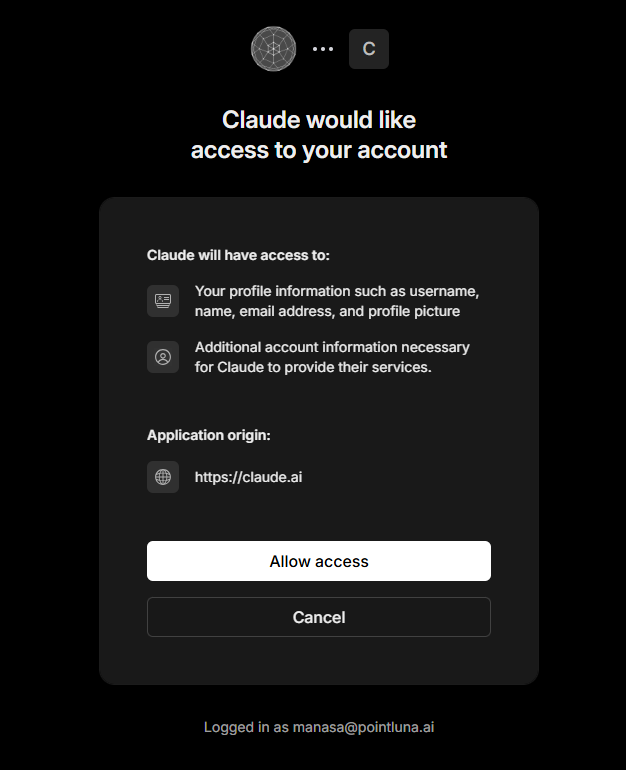
approve access
claude will ask for permission to access your point luna account. click allow access.
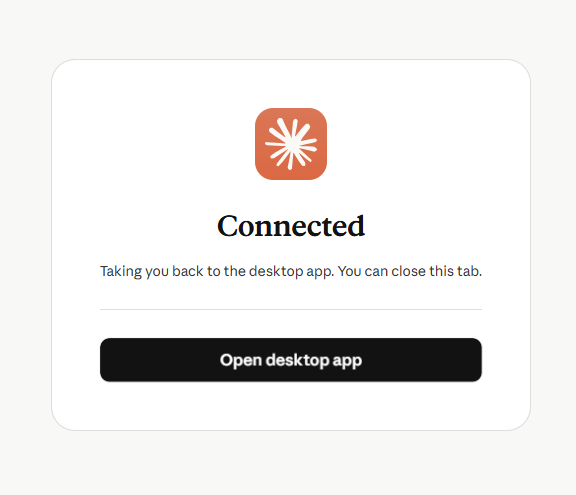
return to the app
once you’ve entered the code you’ll be redirected back to the app. click open desktop app.
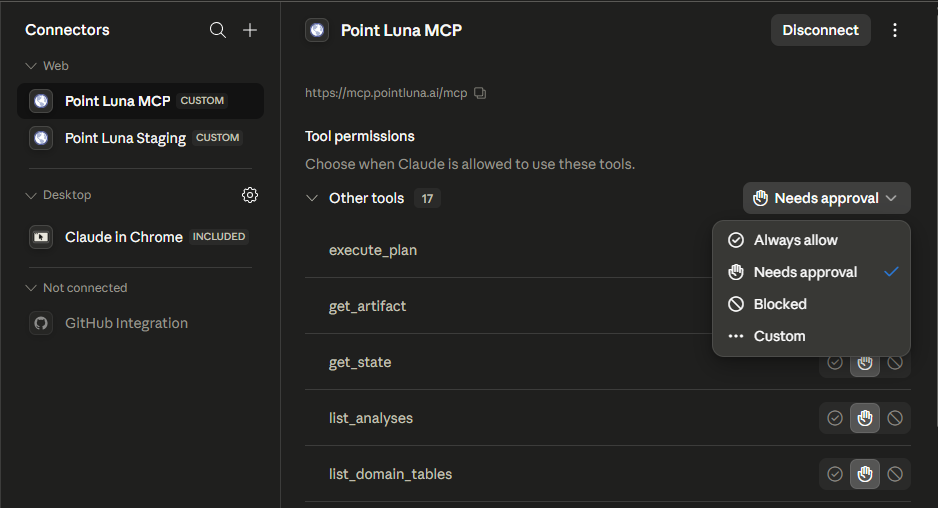
always allow tool calls
click always allow. the mcp defaults to needs approval, which means you have to click allow every time a tool call is made. if you want that experience, skip this step.
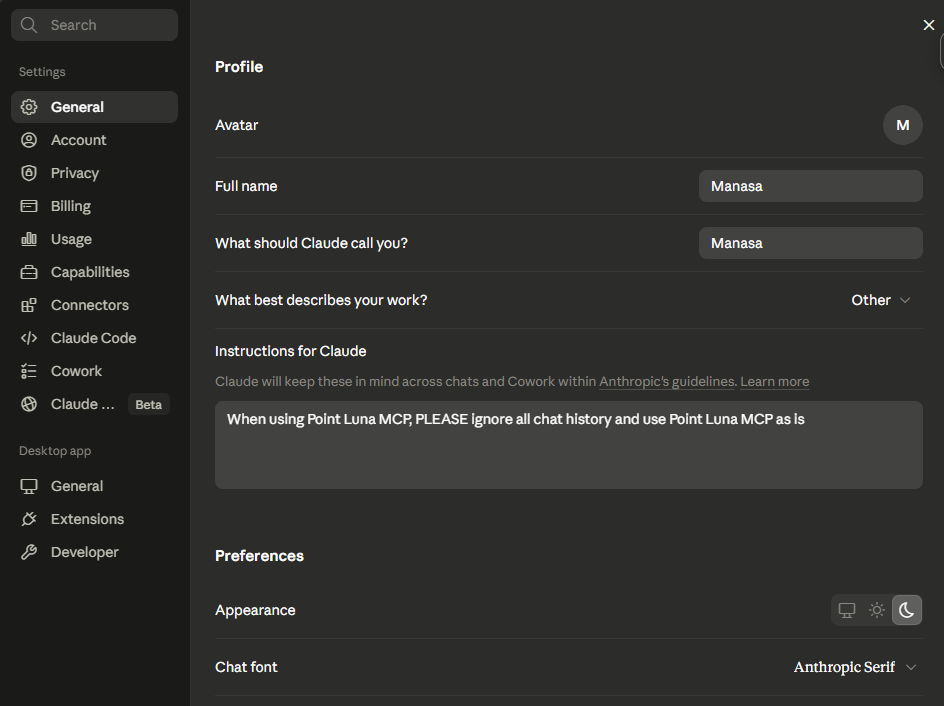
add instructions for claude
navigate to general settings and, under instructions for claude, type in:
When using Point Luna, PLEASE ignore all chat history and use Point Luna as isthis ensures claude uses the point luna analysis workflow as designed and limits hallucinations.
ask away
navigate to chat (or cowork) and click the plus sign under connectors to make sure point luna is connected. then ask away — mention point luna in your question to get claude to call our mcp. for example:
ask point luna how home values compare to wages across texas counties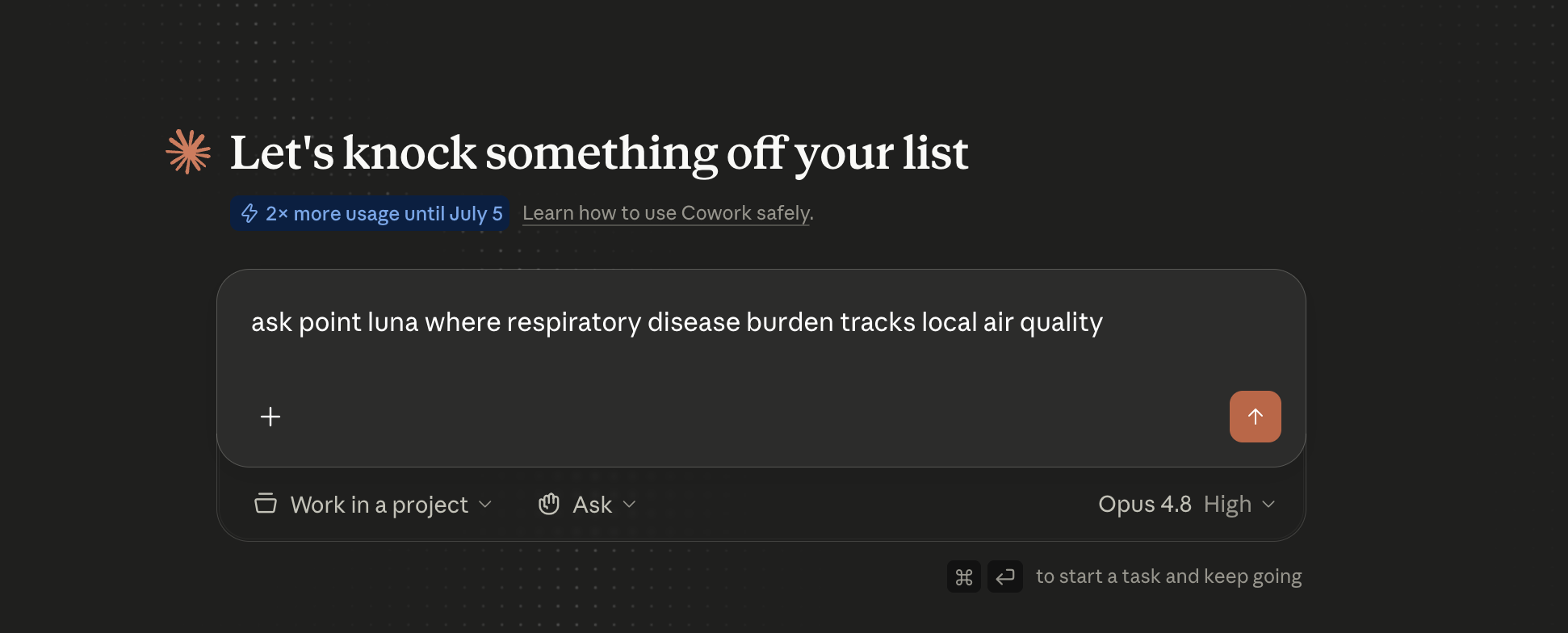
scope, plan, execute, publish
point luna runs an analysis as a short, reviewable workflow rather than a single opaque query:
- ask point luna which counties have seen the most h-1b hiring activity since 2010
- ask point luna where home-value growth has outpaced wage growth since 2000
- ask point luna where respiratory disease burden tracks local air quality
not seeing the experience you’d expect? your client may be leaning on its own preferences instead of the point luna tools — add the instructions for claude from step 10 ↑.
stuck or something looks wrong? email team@pointluna.ai and we’ll help.